 By admin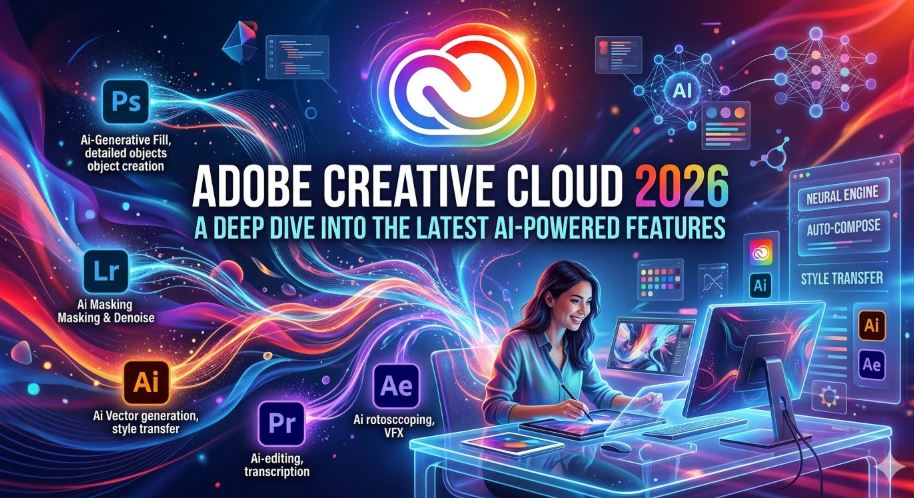
This 2026, Adobe Creative Cloud has solidified its position not just as a design suite, but as an integrated generative AI ecosystem that redefines professional workflow speeds. This year’s update focuses on absolute creative control, allowing AI to act as a “co-pilot” that understands not just commands, but an artist’s specific style and intent. The following is a deep dive into the most powerful innovations transforming the creative industry.
1. The Generative Leap: Adobe Firefly Custom Models
The headline for 2026 is the ability to train your own models within the Firefly infrastructure. It is no longer about generic generations; it is about replicating a specific brand or artist’s visual identity.
Consistent Style Training (Beta)
- Private Training: Users can upload 10–30 reference assets to teach the AI specific traits: lighting, color palettes, stroke weights, or even character features.
- Third-Party Integration: Firefly now supports external state-of-the-art models like Google’s Nano Banana 2 and Veo 3.1 directly within the interface, offering unprecedented versatility.
- Firefly Boards: A new collaborative space for teams to test and share custom styles in minutes rather than days.
2. Photoshop 2026: From Editing to Intelligent Assistance
Photoshop has transitioned from a retouching tool into a conversational environment where the software understands the “why” behind your edits.
Generative Fill 2.0 and Harmonize
- Generative Fill 2.0: Powered by the Firefly Image Model 5, this version is drastically more accurate. It better understands lighting context and perspective, reducing the need for multiple “generates” to get a realistic result.
- Harmonize: A one-click tool that uses AI to automatically match the lighting, color, and shadows of a pasted object to its new background, eliminating hours of manual curve adjustments.
- Generative Upscale: Integrating advanced technologies, this feature allows you to revive low-resolution or old photos, making them sharp while intelligently adding missing details.
3. Premiere Pro: The Era of Generative Video
Video editing has seen the most significant shift in the 2026 release, focusing on removing tedious technical barriers and allowing for infinite b-roll.
Generative Extend
This is the “magic wand” for editors. If a clip is a second too short to hit a beat, you can simply drag the edge of the clip. The AI analyzes the pixels and generates new frames to lengthen the shot naturally, maintaining consistent movement and lighting.
Advanced AI Audio and Localization
- Sound Effect Generation: Create foley or background effects using text prompts or even your own voice as a rhythmic reference.
- Instant Dubbing and Lip Sync: Translate dialogue into multiple languages while the AI automatically adjusts the actor’s lip movements to match the new audio, a massive win for global marketing.
4. Illustrator 2026: Smart Vectors and Design Logic
Vector precision meets AI flexibility to simplify complex branding and illustration tasks.
Vector Assistant
- Natural Language Commands: Type “create a minimalist logo with interlocking circular elements” and watch Illustrator translate the intent into editable vector paths.
- Automated Style Consistency: The system detects inconsistent line weights or proportions across a project and suggests corrections to maintain a professional look.
- Generative Print Bleed: A literal time-saver that automatically generates bleed areas for print based on the existing artwork style.
Resources and External Links
To stay ahead of the curve and explore official tutorials, check out these resources:
- What’s New in Adobe Photoshop: Official release notes on Generative Fill and AI tools.
- Adobe Firefly Feature Explorer: Deep dive into video generation and custom model training.
- Adobe Premiere Pro AI FAQ: Everything you need to know about Generative Extend and text-to-video.
 Maria Camacho