
 By Maria Camacho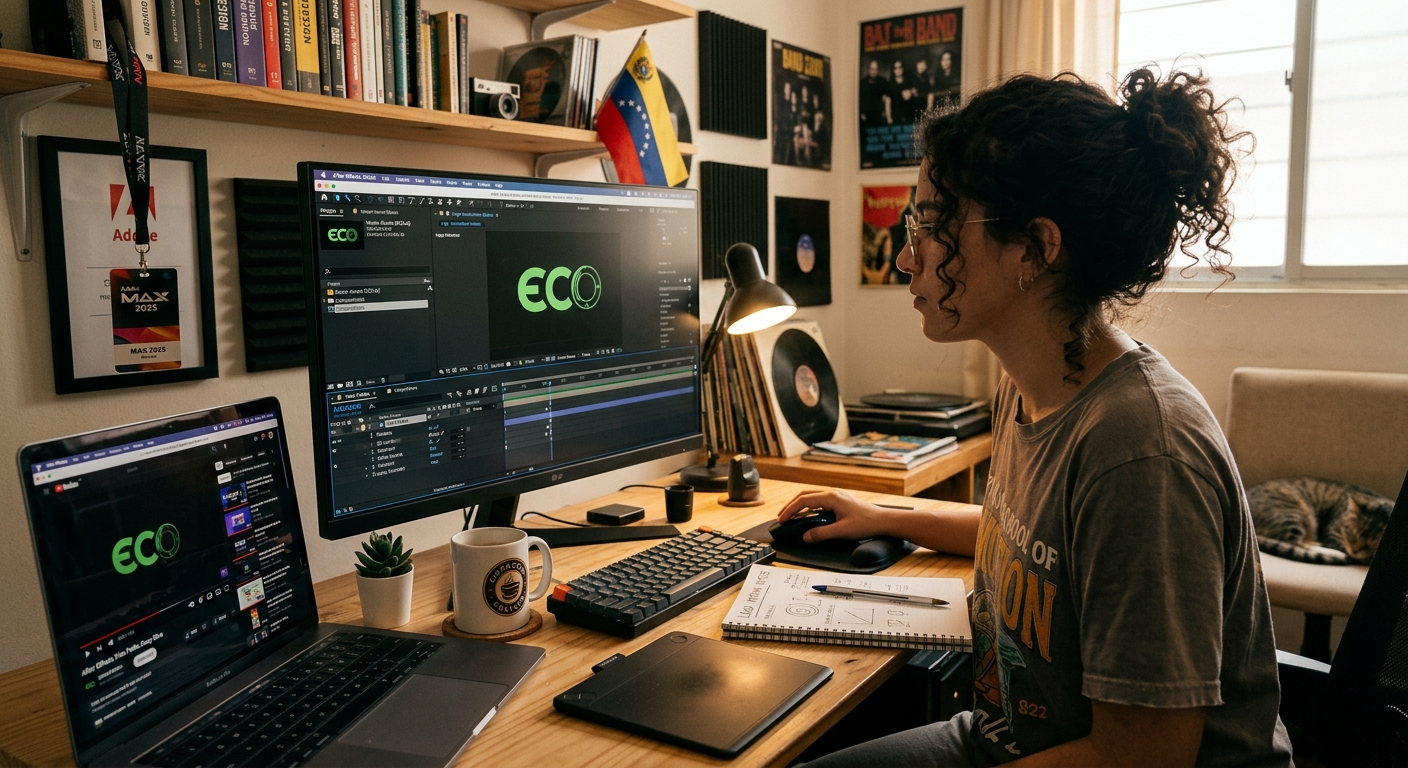
The digital landscape of 2026 is no longer static. As users scroll through hyper-fast feeds and interact with augmented reality, a stationary logo can feel like a relic of the past. To capture attention in an “attention economy,” your brand needs to move. Logo animation—once a luxury for big-budget corporations—is now an essential tool for any brand wanting to convey personality, professionalism, and modern technical edge.
Adobe After Effects remains the industry standard for this transformation. Here is how to take a flat vector and turn it into a living brand asset.
1. Prepare Your Assets for Motion
The secret to a smooth animation in After Effects actually starts in Adobe Illustrator. You cannot animate a flat image effectively; you need “layers of intent.”
- Layer Separation: Ensure every element you want to move independently (the icon, the first word of the name, the tagline) is on its own top-level layer in Illustrator.
- Vector Fidelity: Always work with vector paths ($SVG$ or $AI$ files). This allows you to scale your logo to 4K resolution or beyond without losing a single pixel of clarity.
- The “Import” Trick: When bringing your file into After Effects, always select “Import as: Composition – Retain Layer Sizes.” This keeps your anchor points centered on each individual element rather than the center of the entire artboard.
2. Master the “Big Four” Transformations
You don’t need complex plugins to create a professional look. 90% of high-end logo animations rely on the creative combination of four basic properties:
- Opacity: Fading elements in to create a ghostly, elegant entrance.
- Scale: Having the logo “pop” into existence or grow from a single point of origin.
- Position: Sliding elements into place, often used to create a “magnetic” assembly feel.
- Rotation: Giving the icon a sense of weight and 3D space.
Pro Tip: Always enable Motion Blur for these transformations. It mimics how the human eye perceives fast-moving objects, making your animation feel natural rather than “computer-generated.”
3. The Secret Sauce: Easing and Temporal Interpolation
In 2026, “linear” motion is the hallmark of an amateur. Real objects have inertia—they take time to speed up and time to slow down.
- Easy Ease (F9): This is your baseline. Never leave a keyframe as a diamond; turn it into an hourglass.
- The Graph Editor: To truly stand out, open the Speed Graph. By pulling the influence handles, you can create “snappy” movements where the logo bursts onto the screen and then settles slowly and elegantly into its final position.
4. Advanced Techniques: Shape Layers and Trim Paths
If you want that “hand-drawn” or “self-assembling” look that is trending in 2026 UI design, you need to convert your vectors into Shape Layers.
- Trim Paths: This allows you to animate the strokes of your logo as if they are being drawn in real-time by an invisible pen. It is incredibly effective for minimalist, line-art logos.
- Matte Tracking: Use one shape to “reveal” another. For example, a sliding bar that leaves the brand name in its wake.
5. Exporting for the Modern Web
An animation is only as good as its implementation. In 2026, the way you deliver the file is as important as the design itself.
- Lottie/Bodinymovin: For web and app UI, export your animation as a JSON file. This allows the logo to remain a vector, staying crisp at any size while maintaining a tiny file footprint.
- Alpha Channels: If you are exporting a video for YouTube or social media overlays, ensure you export in a format that supports transparency (like Apple ProRes 4444) so the logo can sit on top of any background.
Resources
To master the art of motion, explore these essential learning hubs:
- Adobe After Effects Tutorials: The official starting point for understanding the interface and keyframe logic.
- LottieFiles: The premier platform for testing and implementing lightweight web animations.
- School of Motion: Deep-dive courses for those looking to transition from graphic design to professional motion graphics.
- Motion Array: A massive library of templates to deconstruct and see how the pros build their project files.
 admin
admin